







COVERING THOUSANDS OF PLANES.FIND YOURS.
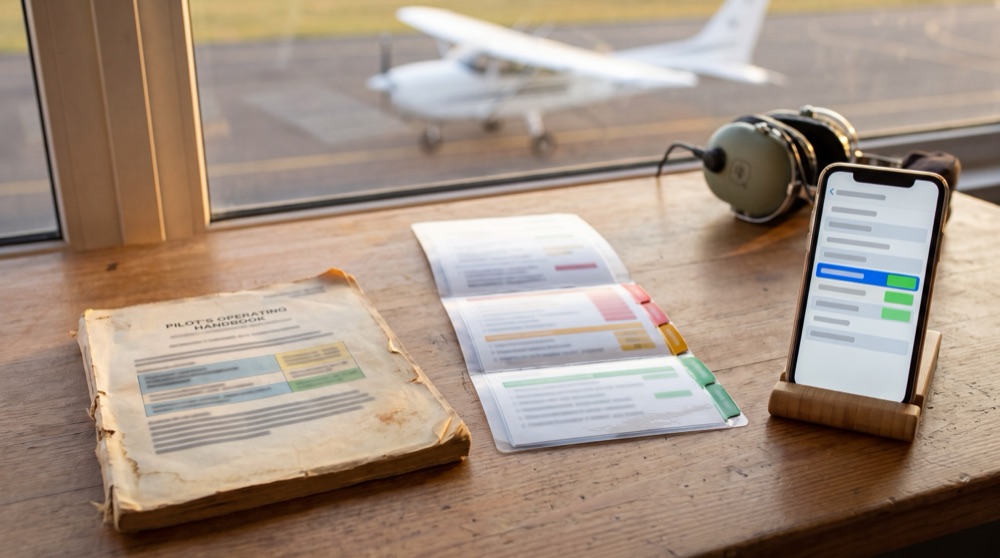
Every list is transcribed from a published POH or checklist, and the app names its source.
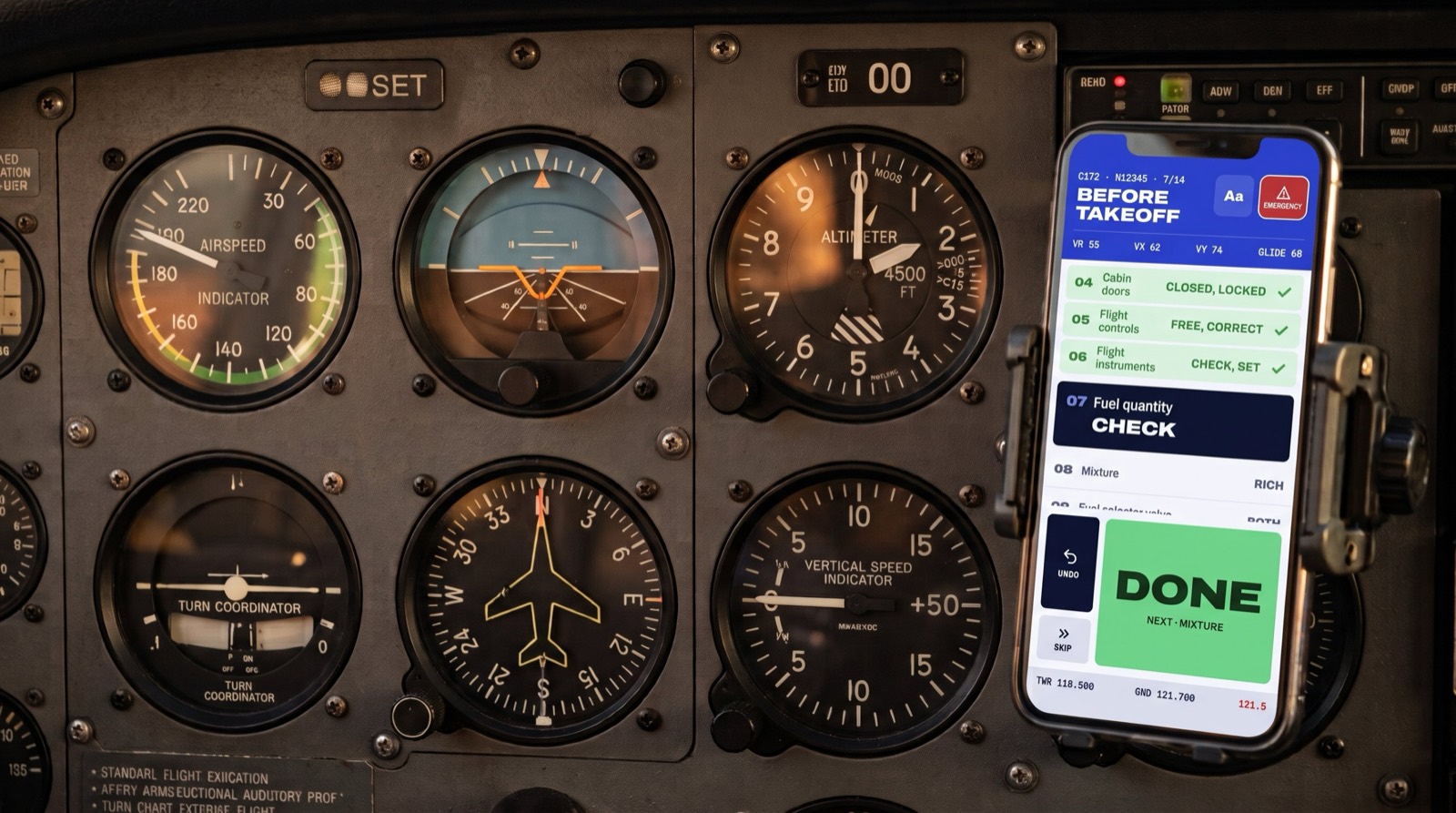
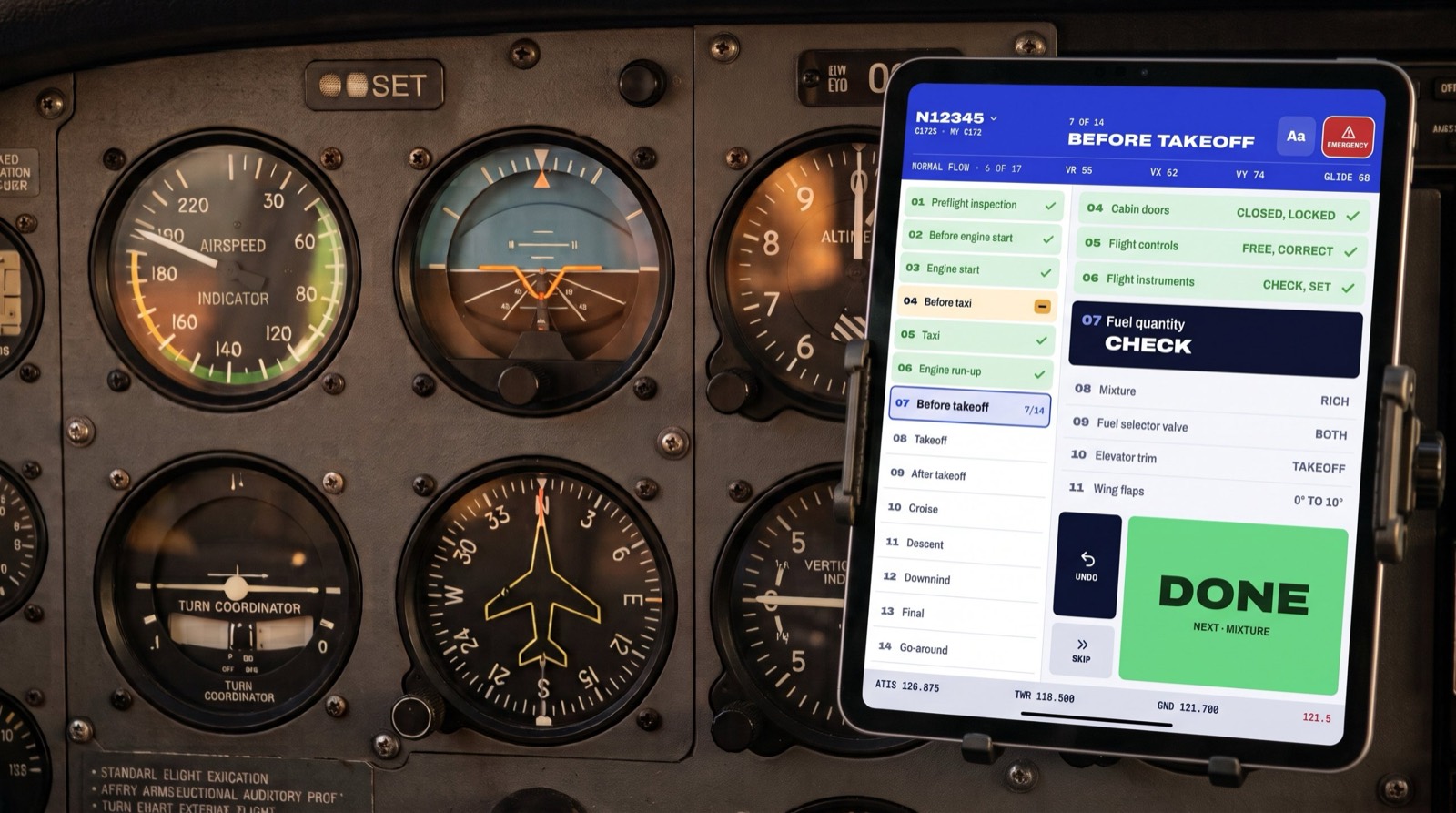
DONE. DONE. NEXT.
One item at a time and a DONE button you can hit with a thumb in turbulence. Lists chain from preflight to shutdown.
EMERGENCY IN ONE TAP
A red button on every screen, best glide up top, memory items first. Nothing ever blocks it, and it's free forever.
YOUR AIRPLANE, YOUR LIST
Customize any checklist per tail number, with your V-speeds and frequencies. Auto night theme, no account.
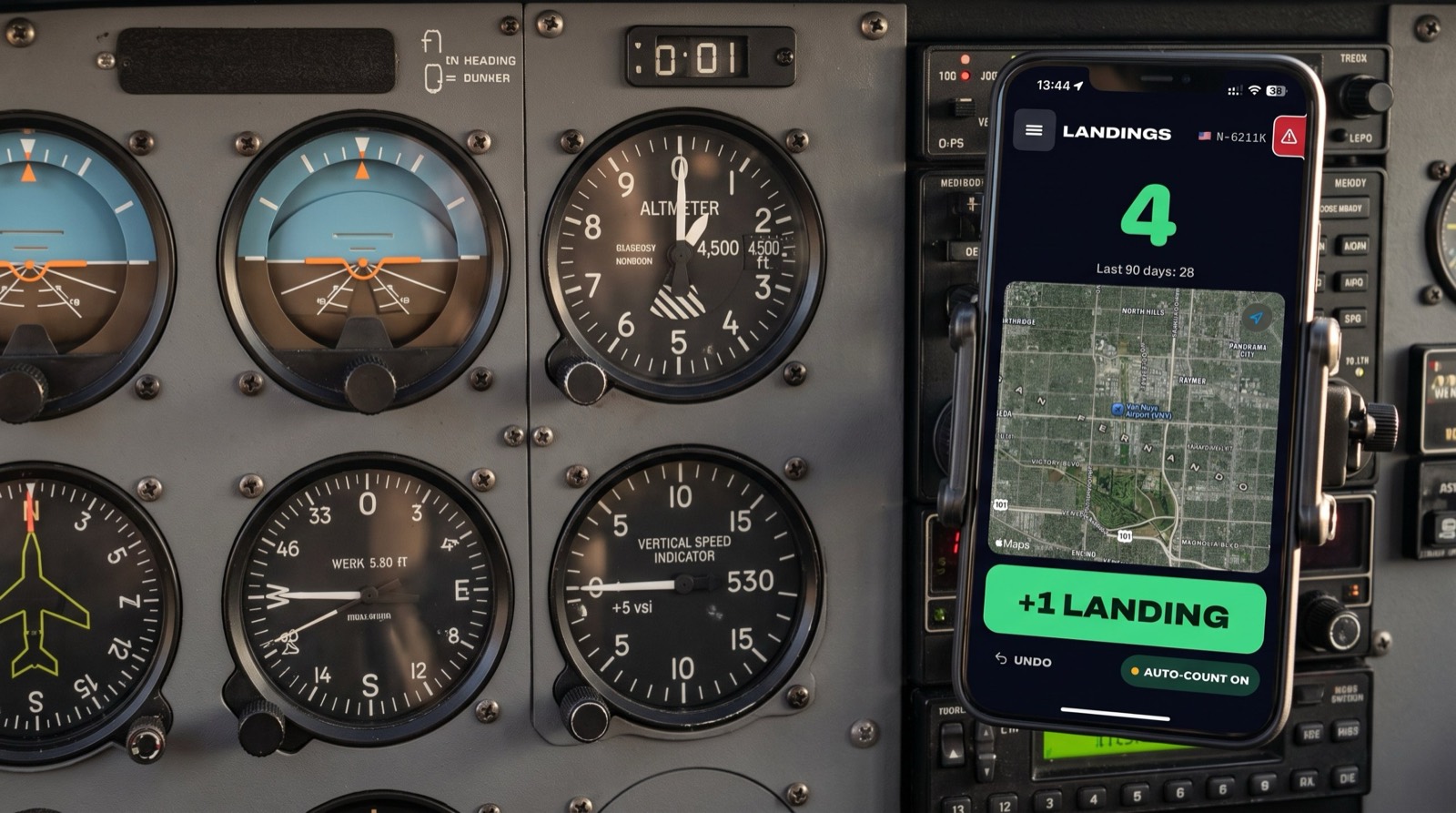
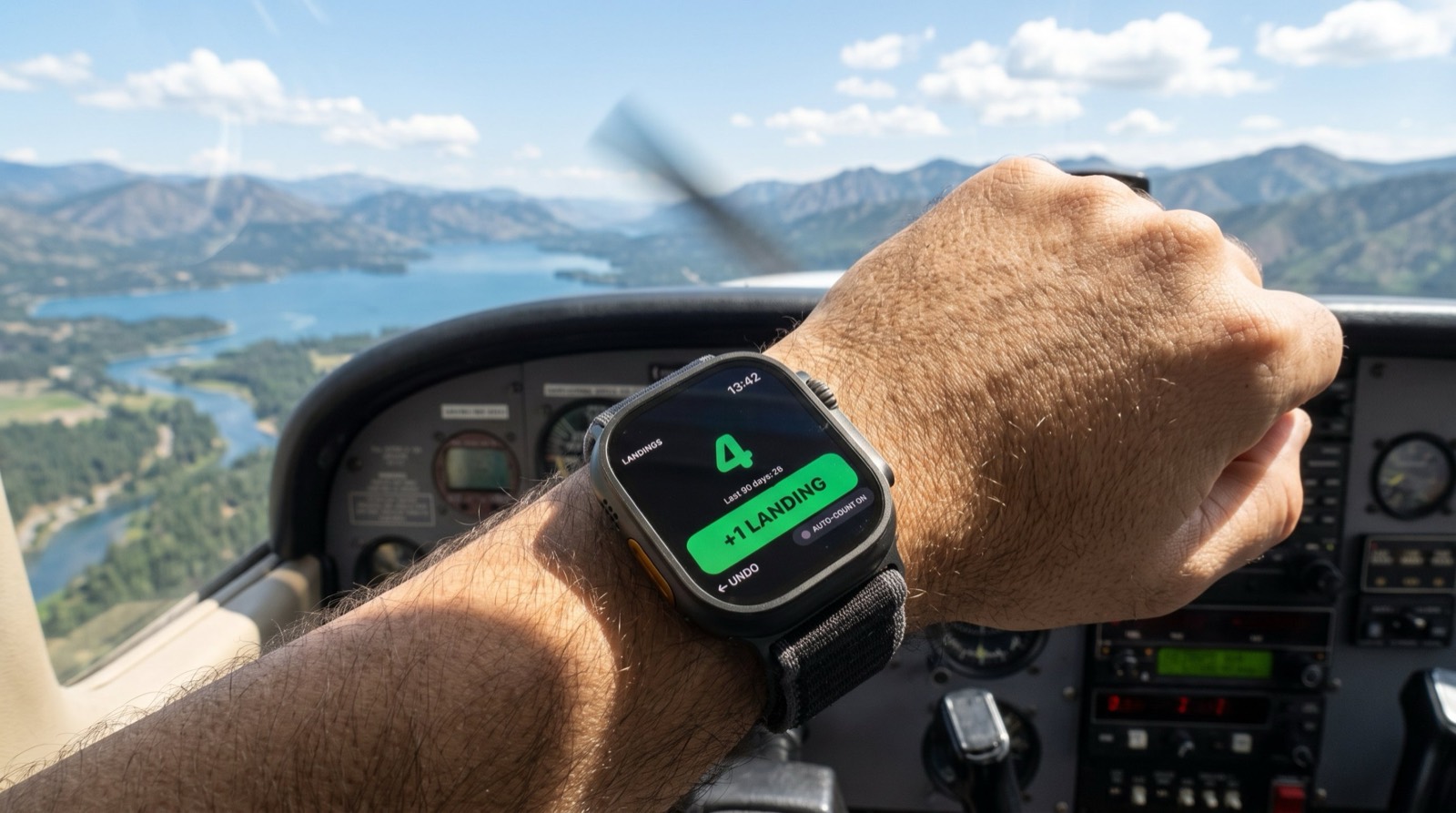
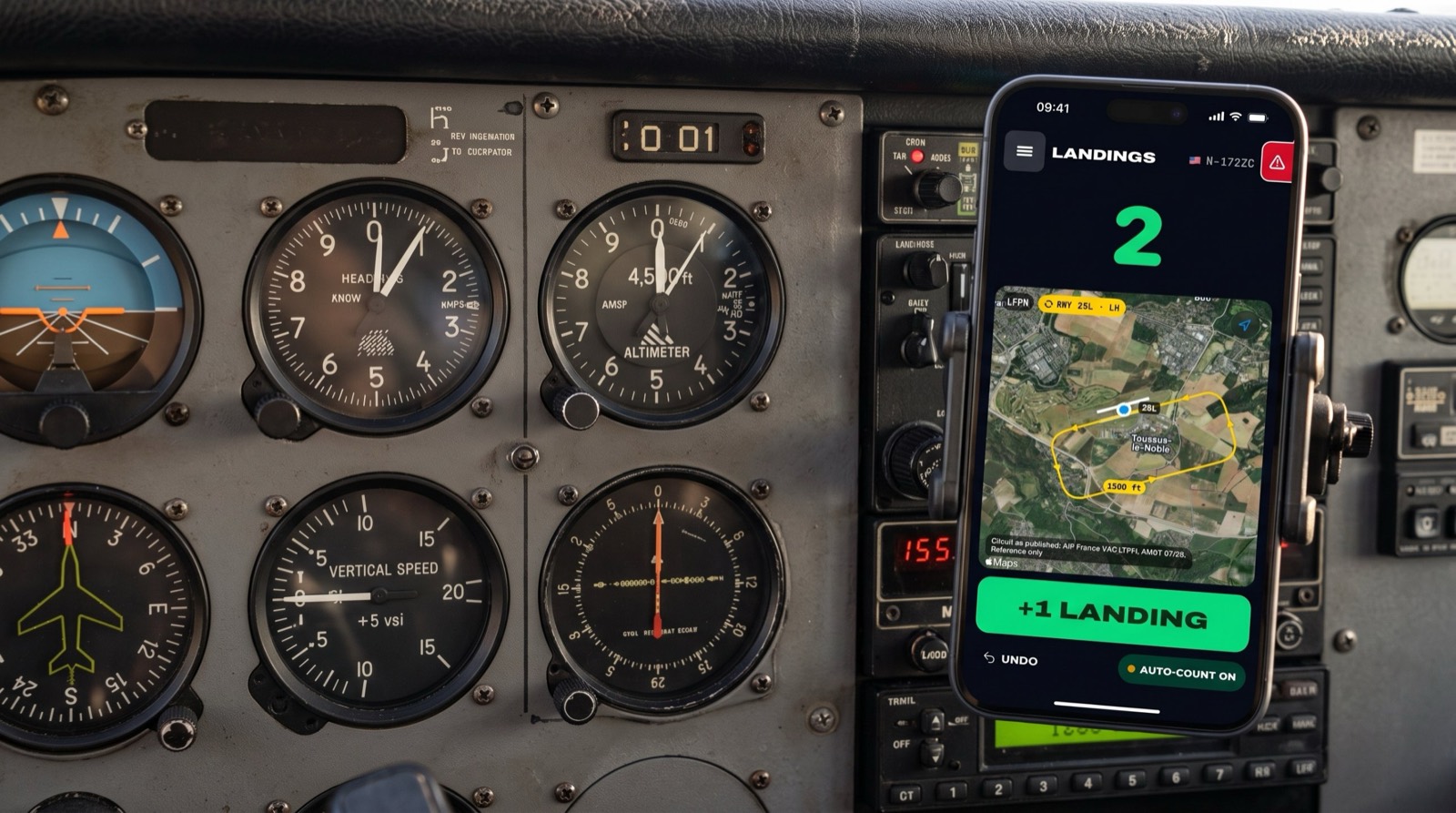
LANDINGS, COUNTED
Optional landing detection from GPS and the barometer suggests each landing; one tap counts it. Reminders before your 90-day passenger currency lapses.
 (opens in a new tab)
ONE APP, ALL OF YOUR CHECKLISTS
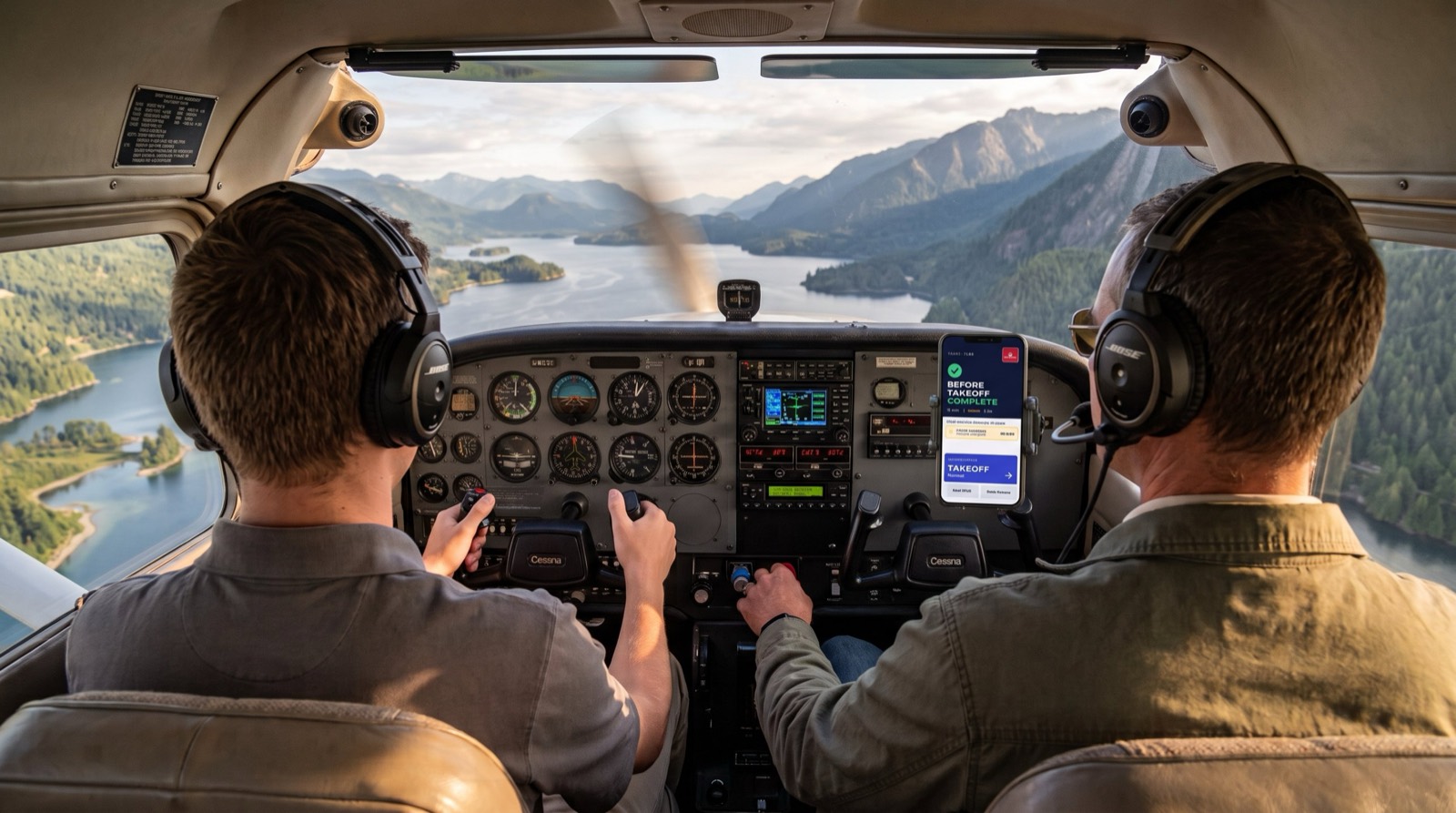
On the yoke, on the kneeboard or on the panel. Portrait or landscape, and the layout follows the screen. Fold, rotate or resize mid-checklist and you stay on the same item.
- iPhone
- iPhone Duo · Fold
- iPad mini
- iPad · iPad Pro
YOUR FLEET.
YOUR CHECKLISTS.
EVERY STUDENT.
We build a ZuluCheck for your school: every aircraft on your line, carrying the checklists your chief instructor approved, word for word. Share it with your students and everyone flies from the same page.
Your approved checklists
Transcribed from your own checklists and POHs and checked line by line against them. Your wording, your order, your callouts.
Your whole fleet, ready
Every aircraft is set up before a student opens the app. No hunting for the right model, no wrong variant.
Change it once
When a checklist changes, we update it and every student has the new one. No reprints, no old copies in flight bags.
FROM THE BLOG
All posts



 (opens in a new tab)